Everyline for iPhone
For businesses and households
A household gets its own layout, led by a Home page in plain words; a business gets Calls, Messages, Keypad, Contacts and Team.
Customers get itThe App Store
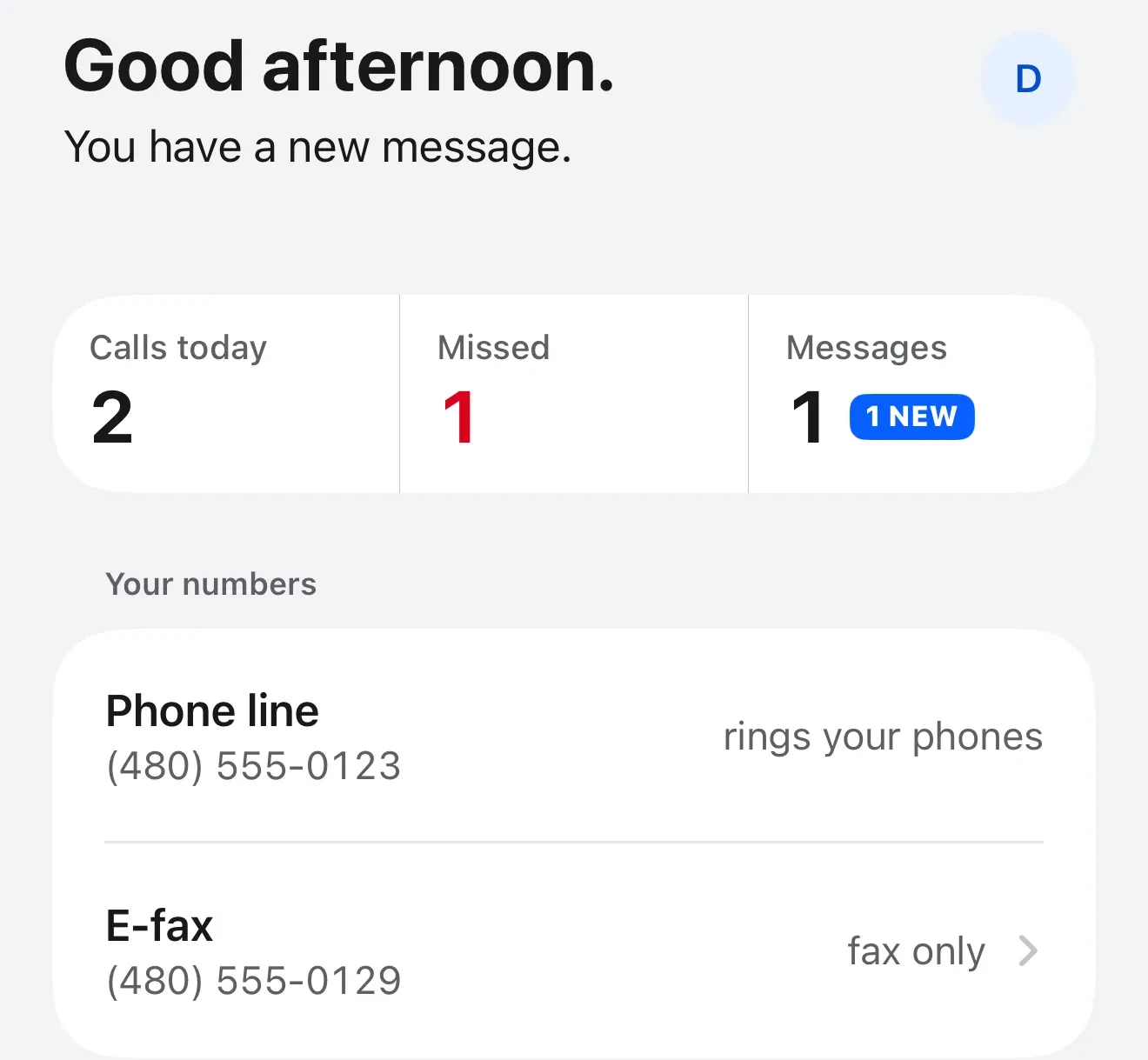
Everyline puts calls, messages, voicemail and the team on iPhone, Android, Mac and the browser, on your customer’s own numbers, signed in with their portal login.
Try it: press Hold & answer.Angela is on hold. Sunrise is connected.
Angela Brooks
(602) 555-0117
On the call for 2:41
Sunrise Bakery
(623) 555-0148
On the call for 0:02
End call
Angela BrooksOn hold · 0:02
SwapAngela BrooksShared contact
Openmobile(602) 555-0117
On this callShared notes
Buying on Juniper Street. Closing on the 21st.
Everyone at Harper Valley National Bank sees these.
Sunrise BakeryNot in your contacts
Notes on this call
No notes yet.
Call waiting · Calling Main line
Sunrise Bakery(623) 555-0148Hold and answer puts Angela Brooks on hold.
Mac is for business accounts; households use iPhone, Android or the browser.
For businesses and households
A household gets its own layout, led by a Home page in plain words; a business gets Calls, Messages, Keypad, Contacts and Team.
Customers get itThe App Store
For businesses and households
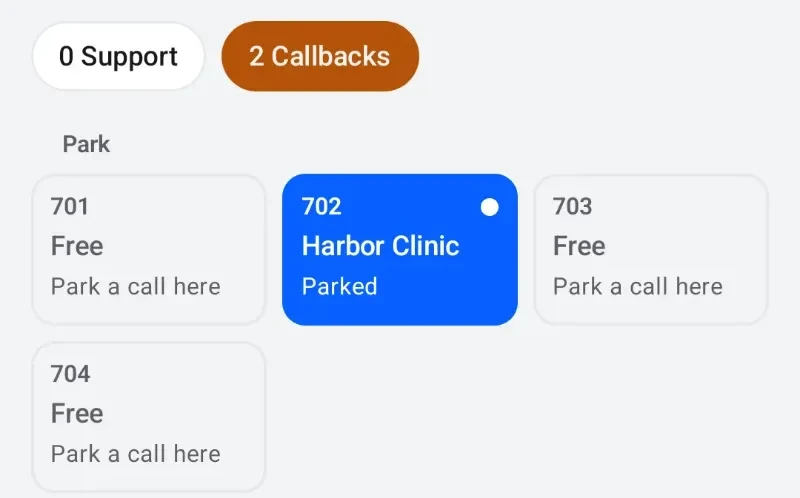
The team’s switchboard with the company’s park slots, and faxes scanned with the camera.
Customers get itGoogle Play
For businesses
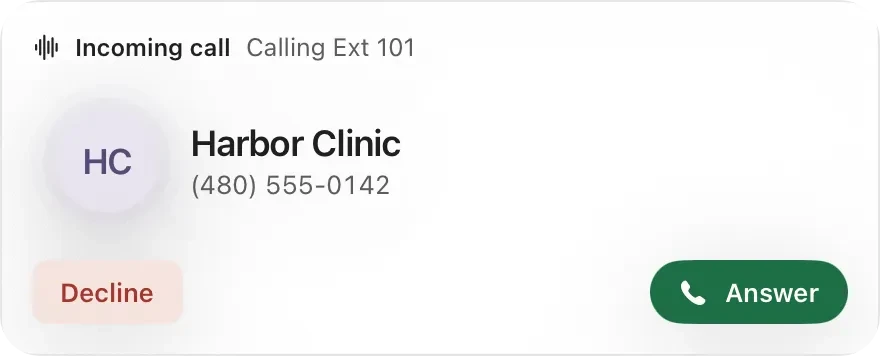
A ringing call floats in a card above whatever is open, without taking the keyboard; ⌃⌘AControl-Command-A answers and ⌃⌘HControl-Command-H hangs up while another app is in front.
Customers get itDownloaded from their portal
For businesses and households
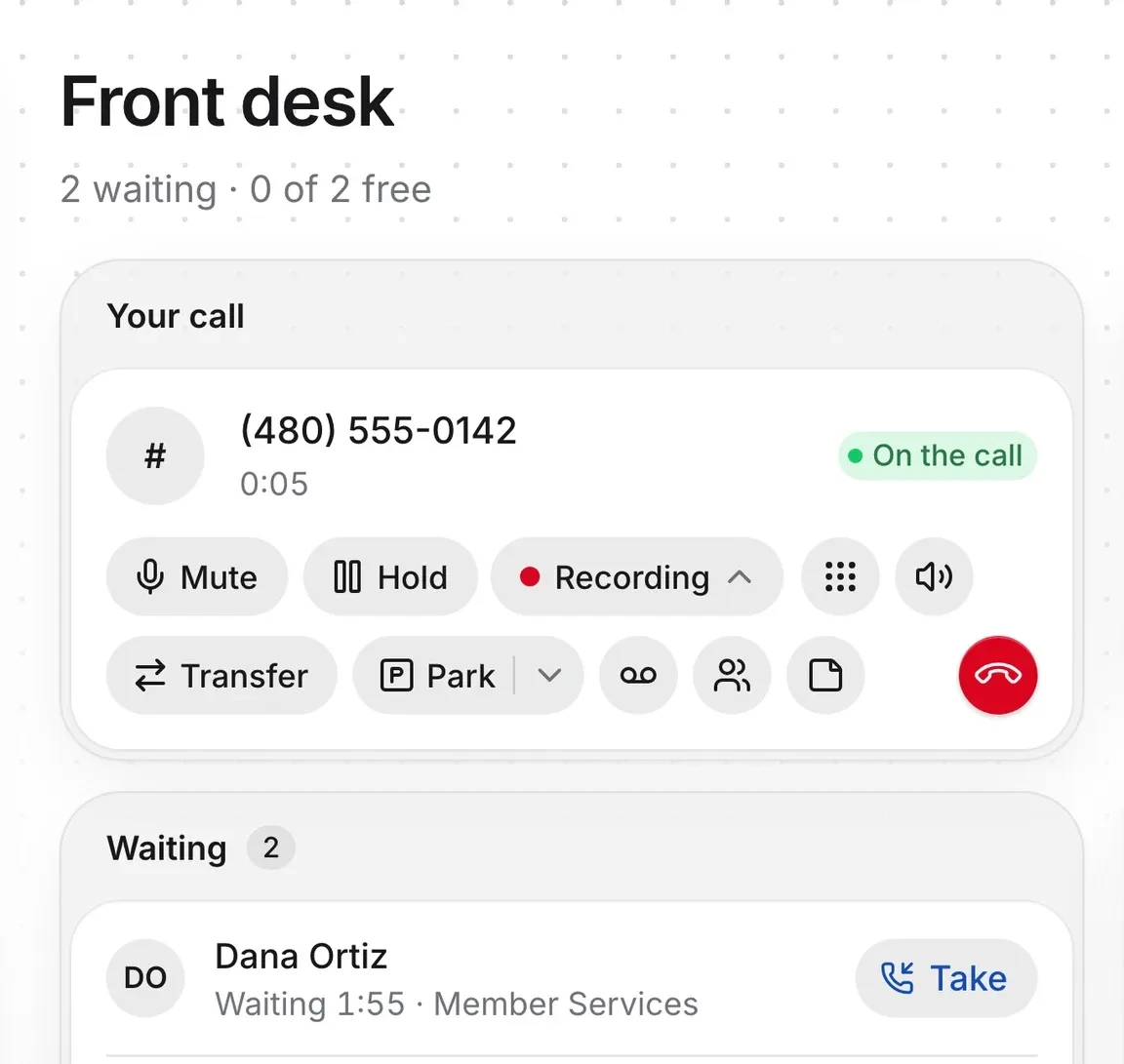
Calls in the business and home portals, and for a business, a front desk showing who’s waiting and where to send each call.
Customers get itTheir portal, nothing to install
Calling, the team, messages, voicemail, recorded calls and shared contacts work the same on all four. Beyond who can use the Mac, three things differ.
Closing the company or forwarding every call
iPhoneAndroidMac: not availableBrowser
HubSpot and Sonar records, and the fax box
iPhoneAndroidMac: not availableBrowser
Sending a fax by scanning with the camera
iPhoneAndroidMac: not availableBrowser: not available
| Capability | iPhone | Android | MacBusinesses | Browser | Where |
|---|---|---|---|---|---|
| Accounts | |||||
| Business accounts | Included | Included | Included | Included | All four |
| Home accounts | Included | Included | Not available | Included | iPhone, Android and the browser |
| Calling and the team | |||||
| Calls in and out on the customer’s numbers | Included | Included | Included | Included | All four |
| Hold, transfer and park | Included | Included | Included | Included | All four |
| Conference calls | Included | Included | Included | Included | All four |
| The team: who’s free and who’s on a call | Included | Included | Included | Included | All four |
| Queues and callback requests (add-on) | Included | Included | Included | Included | All four |
| Listen, whisper and join (supervisors and admins) | Included | Included | Included | Included | All four |
| Close the company or forward every call | Included | Included | Not available | Included | iPhone, Android and the browser |
| Messages and records | |||||
| Shared texting inbox (add-on) | Included | Included | Included | Included | All four |
| Voicemail, written out | Included | Included | Included | Included | All four |
| Transcripts and summaries (add-on), for those allowed | Included | Included | Included | Included | All four |
| Shared contacts naming the caller | Included | Included | Included | Included | All four |
| HubSpot and Sonar records on the call | Included | Included | Not available | Included | iPhone, Android and the browser |
| Fax box | Included | Included | Not available | Included | iPhone, Android and the browser |
| Send a fax by scanning with the camera | Included | Included | Not available | Not available | iPhone and Android |
| How customers get it | |||||
| Where it comes from | App Store | Google Play | From the portal | No install | The App Store, Google Play, the portal for Mac; nothing to install in the browser |
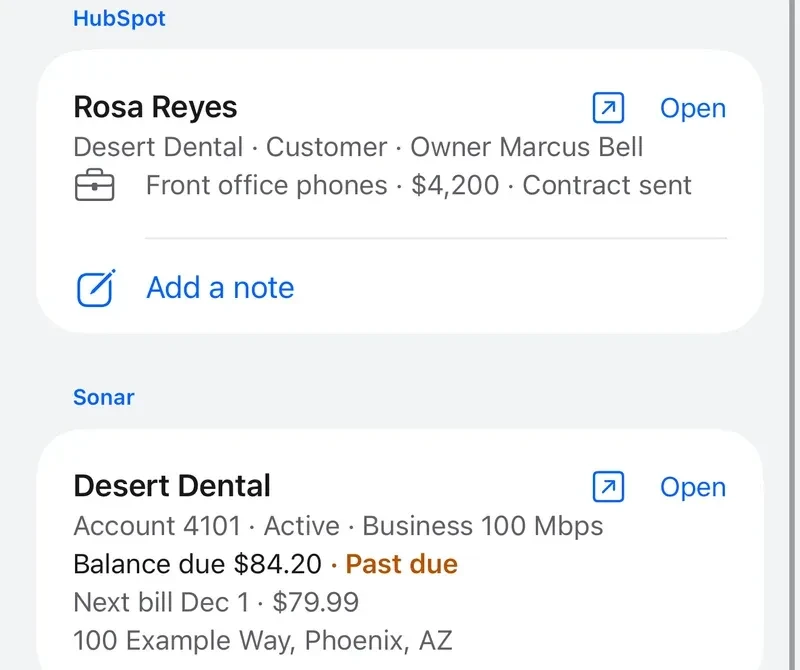
Connected to the customer’s HubSpot or the ISP’s Sonar, the apps show who’s calling with their record, and the call is logged back on it.
IntegrationsThe apps keep the Everyline name for every provider, with your logo and support line inside, in Help & support. The account is the one your customer manages in your portal.
What carries your brandSays Everyline
 Everyline
The app’s name, icon and sign-in
Carries your brand
Help & support

Northmere support
Call (480) 555-0190
Email us
Help & support in the app
Your portalYour logo from its sign-in page on.
We’ll show the apps on the devices your customers use, where your logo and support line appear, and how the apps and the portal work together.