Portals your customers run under your brand.
A business runs its phone system and its people; a household gets plain words and simple switches. You decide how much each business changes itself.

A business

A household
You decide how much each business runs.
Pick a level for one business and see what its owner can then do in her portal.
Your partner portal
Harper Valley National BankBusiness · Services and status
Every business account starts Hidden. You set it per business in your partner portal.
Their portal
Diane WhitakerOwner at Harper Valley. A level never changes her role.
Phone System
ChangedNot in her portalwas Not in her portalCan readwas Not in her portalCan change
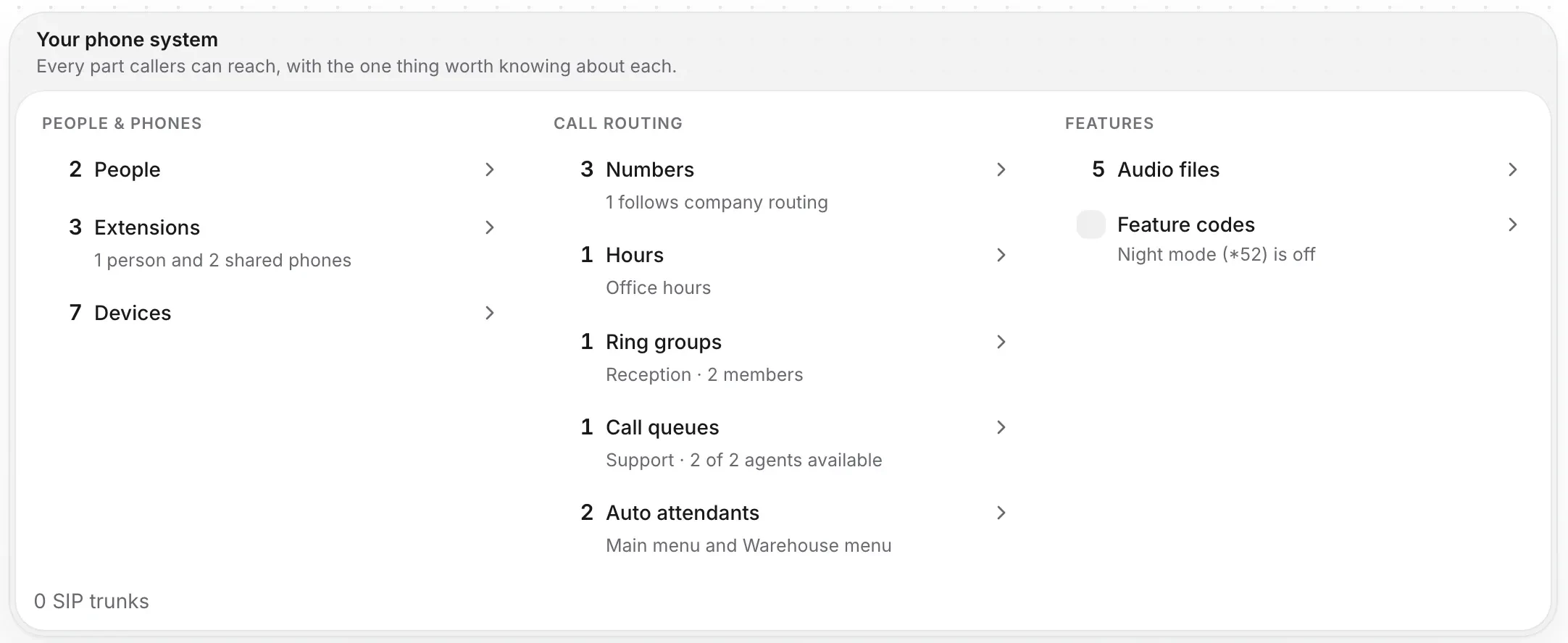
Hours, people, extensions, ring groups, queues and menus
Company settings
UnchangedChangedNot in her portalwas Not in her portalCan change
Recording, music on hold and more
Every day
UnchangedHers at every level
Close early, forward calls, logins
With you at every level
- A level changes only what the customer sees, never their phones or calls.
- Your team still sees every page when it opens their portal.
Two portals, built for who signs in.
| What | Business portalOwners, admins and staff, each seeing what their role allows | Home portalThe household |
|---|---|---|
| Their pages | A sidebar: Overview, Call history, Contacts and Voicemail, with Front desk, Messages, queues and fax where they have them | Five in a bar, tabs on a phone: Home, Calls, Messages, Contacts and Settings |
| What they set up | The phone system and company settings, as much as you allow | Quiet time, junk calls, ring my cell, forwarding and voicemail |
| Insights | An add-on you turn on per account, for owners and admins | — |
| In both | Calls from the browser, and the Everyline apps, which sign in with the same login as the portal. | |
A business runs its own phone system.
- Owners and admins change people, extensions, numbers, hours, menus, ring groups, queues and phones, once you choose Can change.
- Staff look after their own phone: do not disturb, forwarding and voicemail.
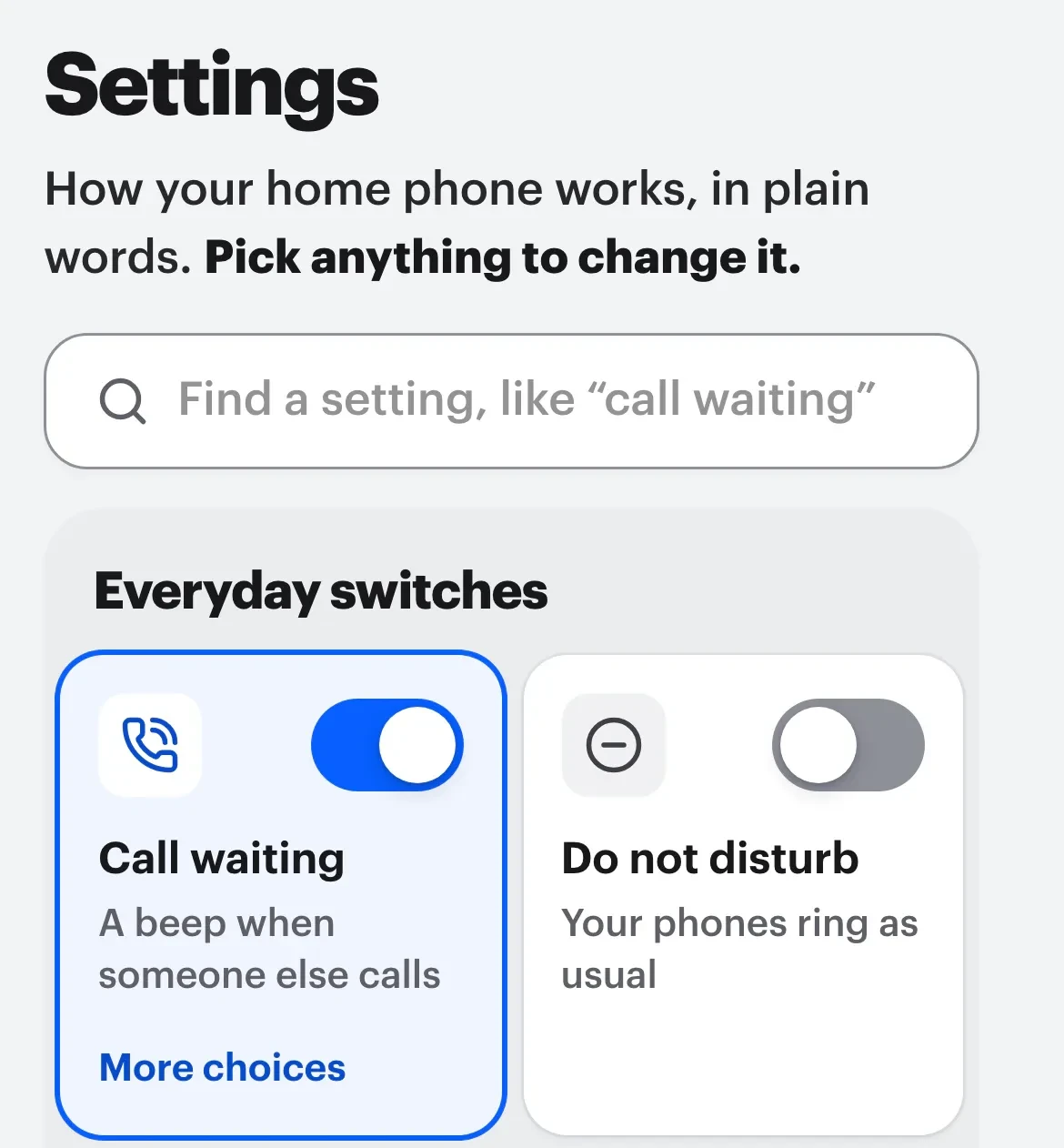
A household’s line, in plain words.
Simple switches for call waiting, do not disturb, quiet time, ring my cell and junk calls.
When a phone goes offline, the portal says so and walks the household through getting it back. The same moment, from your side
Home phone serviceYour brand, from sign-in to support.
- Sign-inYour logo over the login, at your portal’s address.
- Every pageYour logo at the top, your small logo on the browser tab.
- The appsThe apps’ store name stays Everyline. Inside the apps, Help & support shows your contact.
When they need help, they reach you.

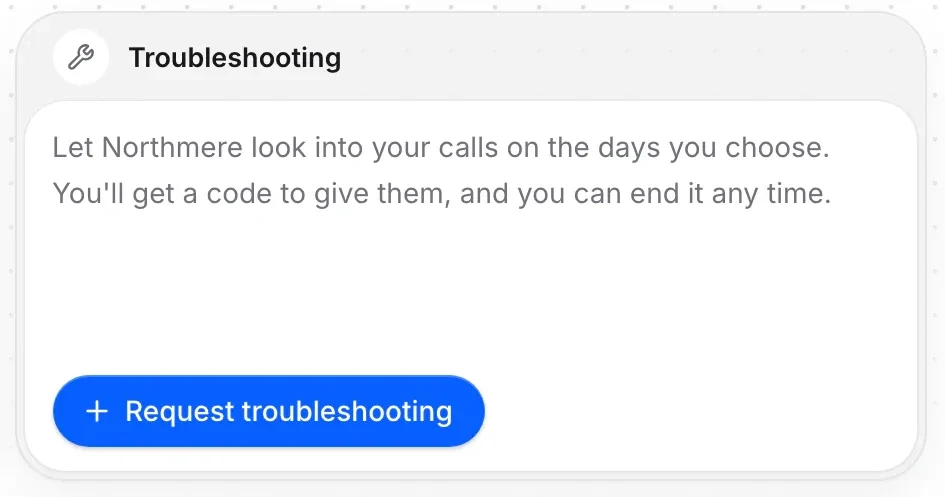
Troubleshooting, apart
When you need to look into their calls, their owner or admin approves troubleshooting for the days they choose. They get a six-digit reference code to give you, and can end it any time.
How troubleshooting is approvedOne account, three ways in.
A change in one shows in the others.
Their portal
In a browser, under your brand.
One accountHarper Valley National Bank
Your partner portal
Your team creates the account, sets its services and visibility, and opens its portal to help.
Partner portalSee both portals under your brand.
In a demo we open a business and a household, and set how much the business runs itself.