Voicemail written out, the recording beside it.
Voicemail for homes and businesses: the original recording, with a summary and the message in text where transcription is on. Available in your branded portal and the Everyline apps.
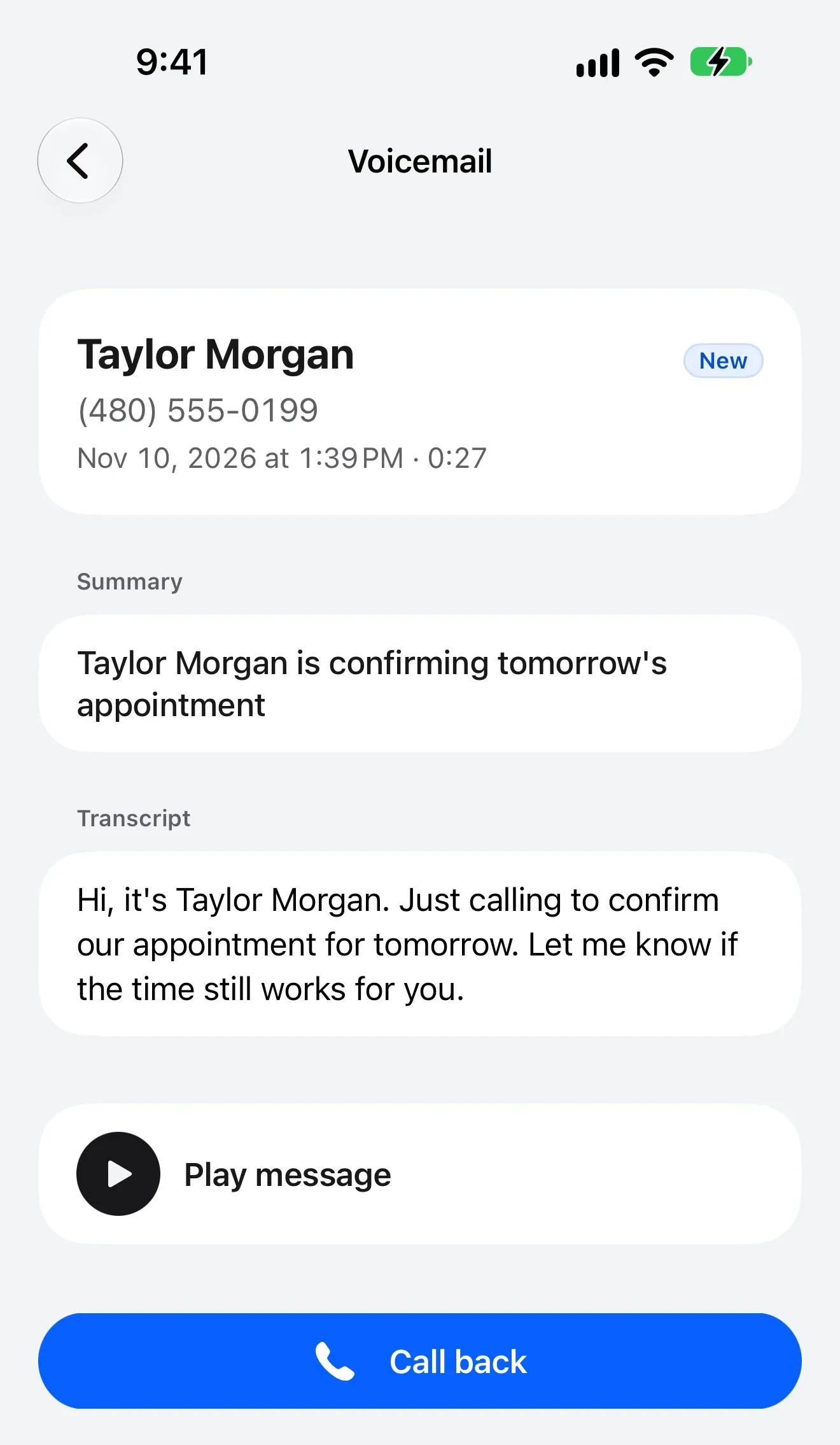
Mailboxes for homes, people and teams.
Households
The home line has its own mailbox, read in the home portal and the Everyline app. Written-out messages are included with the line.

Businesses
Each person has a mailbox, and teams share mailboxes such as Member Services; staff see the ones they’re given. A business’s voicemail transcripts and summaries count as AI minutes.

New messages, straight to email.
Email. Each new message goes to the addresses a mailbox lists, under your logo. A written-out message brings its summary and text. A business mailbox attaches the recording when it’s set to; a household’s email always includes it.
Transcription. Messages are written out once the mailbox is set to transcribe and the account allows automatic voicemail processing.
Greetings. Recorded or uploaded. A business that allows AI-generated greetings can also type one in a studio voice.

Voicemail on every line you sell. Under your brand.
Bring your mix of home lines and business seats, and we’ll show you voicemail on both.